
Inside Unfold
Write. Check in.
Reflect on your days.
Journal with Luma, talk it through, take a breathing pause, and return to your days with perspective. Your people can have their own space, too.
01 / Put it into words
Your thoughts. Your way of telling them.
Some days the words flow. Other days, one sentence is enough. Write about what’s on your mind, with guided prompts when you want somewhere to begin.
Luma can offer a follow-up question or a new angle. AI-guided reflection is optional; you decide what feels useful and what to leave behind.
Try a journaling prompt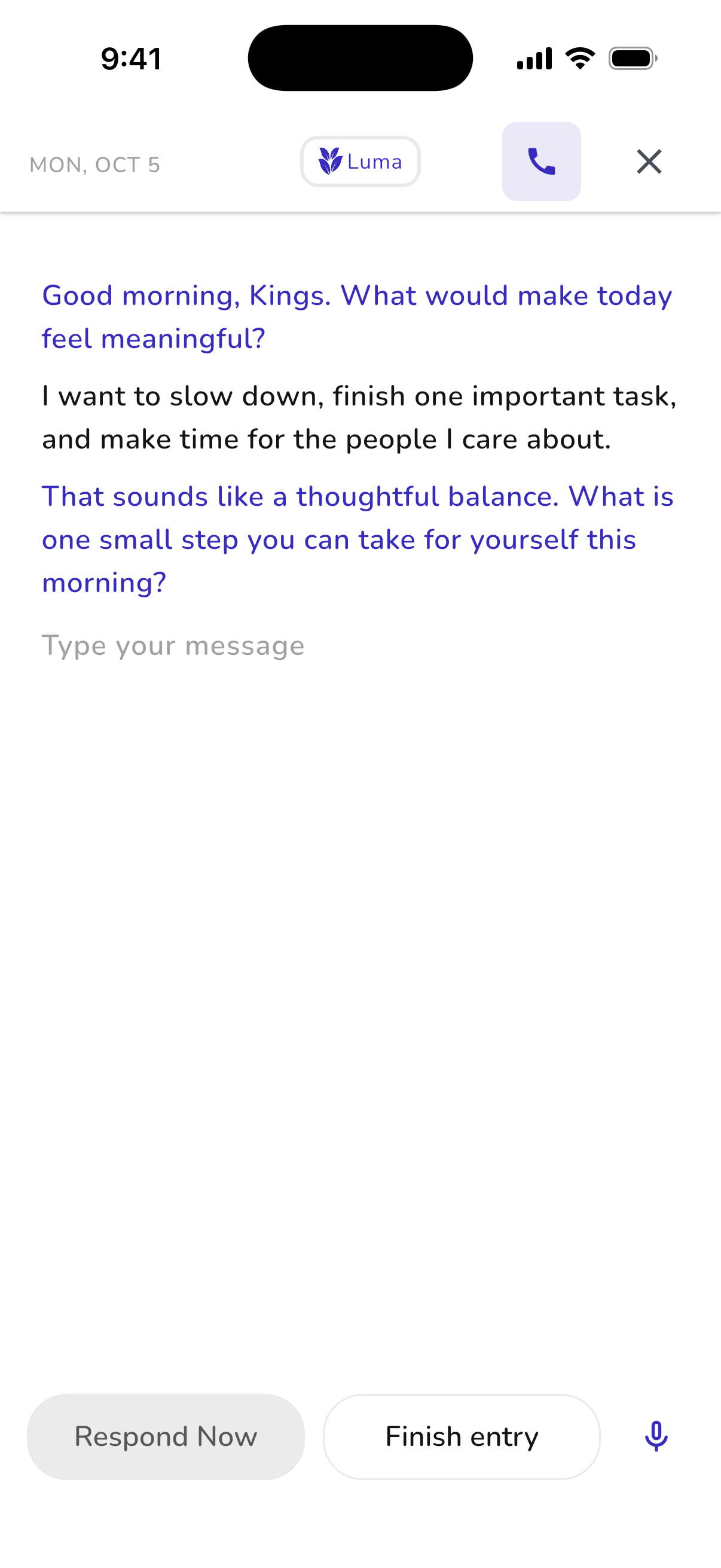
02 / Say it out loud
Some days, it helps to talk.
Open a voice journal and talk it through with Luma. You can control the microphone, speaker and session without finding the perfect words to type.
Voice journaling needs microphone permission and a connection. The app shows current plan access. Luma is an AI reflection companion, not a therapist or emergency service.
Understand plan access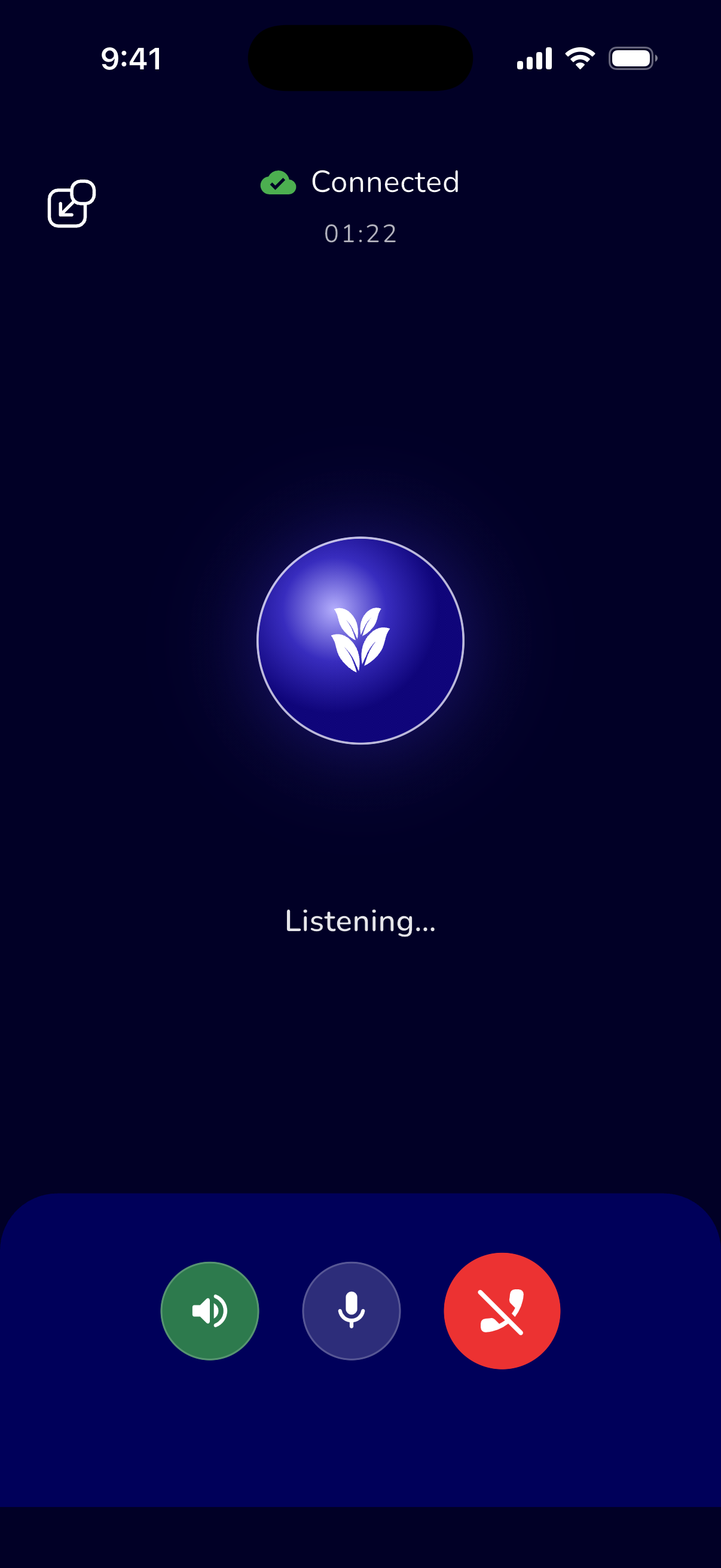
03 / Notice the everyday
There’s more to a day than a single feeling.
Check in with your mood and add context to your days. On supported devices, optional Apple Health or Health Connect connections bring sleep and activity into the picture.
Sleep, recovery and stress estimates are general wellness information. They can be incomplete and do not diagnose or predict a condition. Your lived experience matters more than any single score.
A curious approach to mood tracking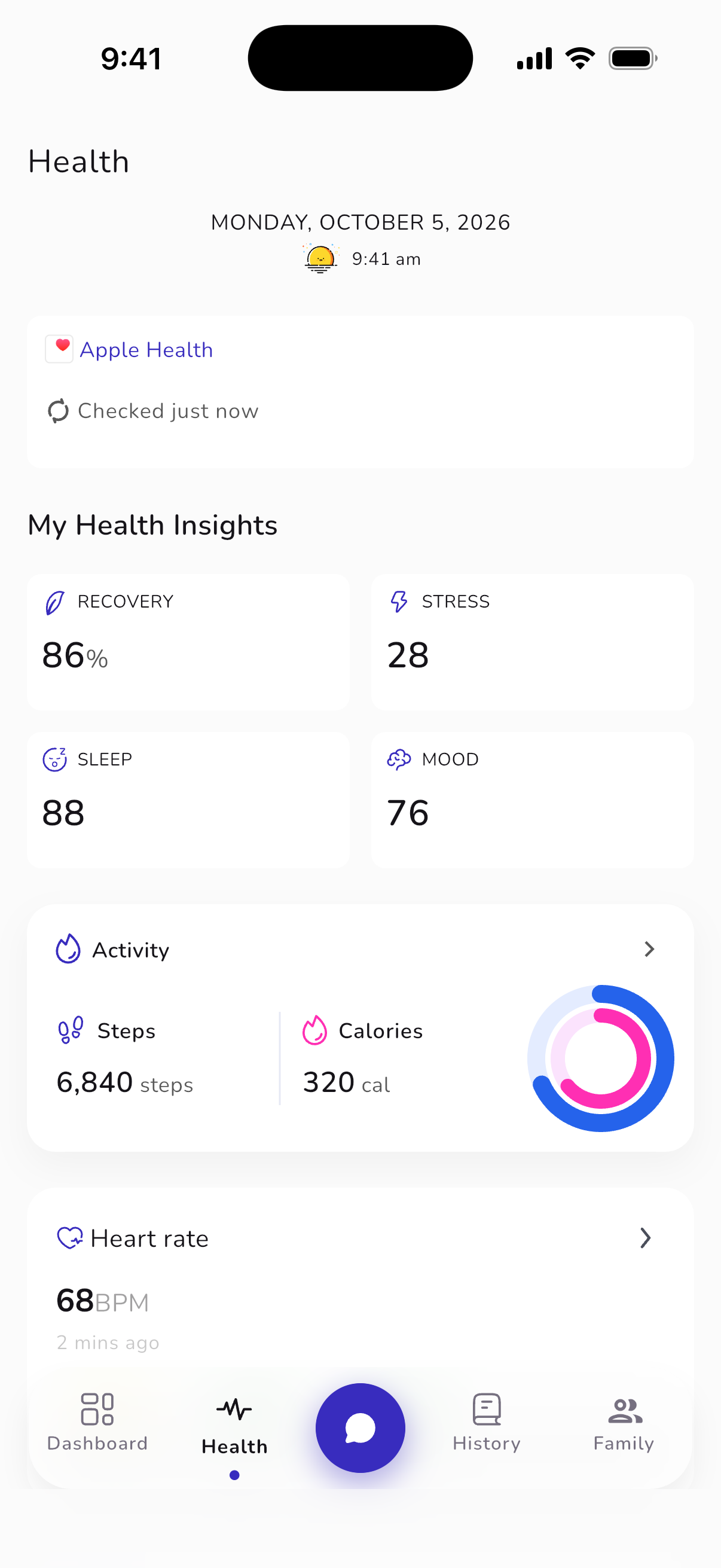
04 / Return with perspective
A moment you can come back to.
Search your journal by mood, topics and tags. Filter your entries and revisit a written reflection or a voice journal when you want a little perspective.
You don’t need to turn every day into a lesson. Your history is a place to remember the small things, notice a recurring thought, or simply see how far you’ve come.
Try a weekly reflection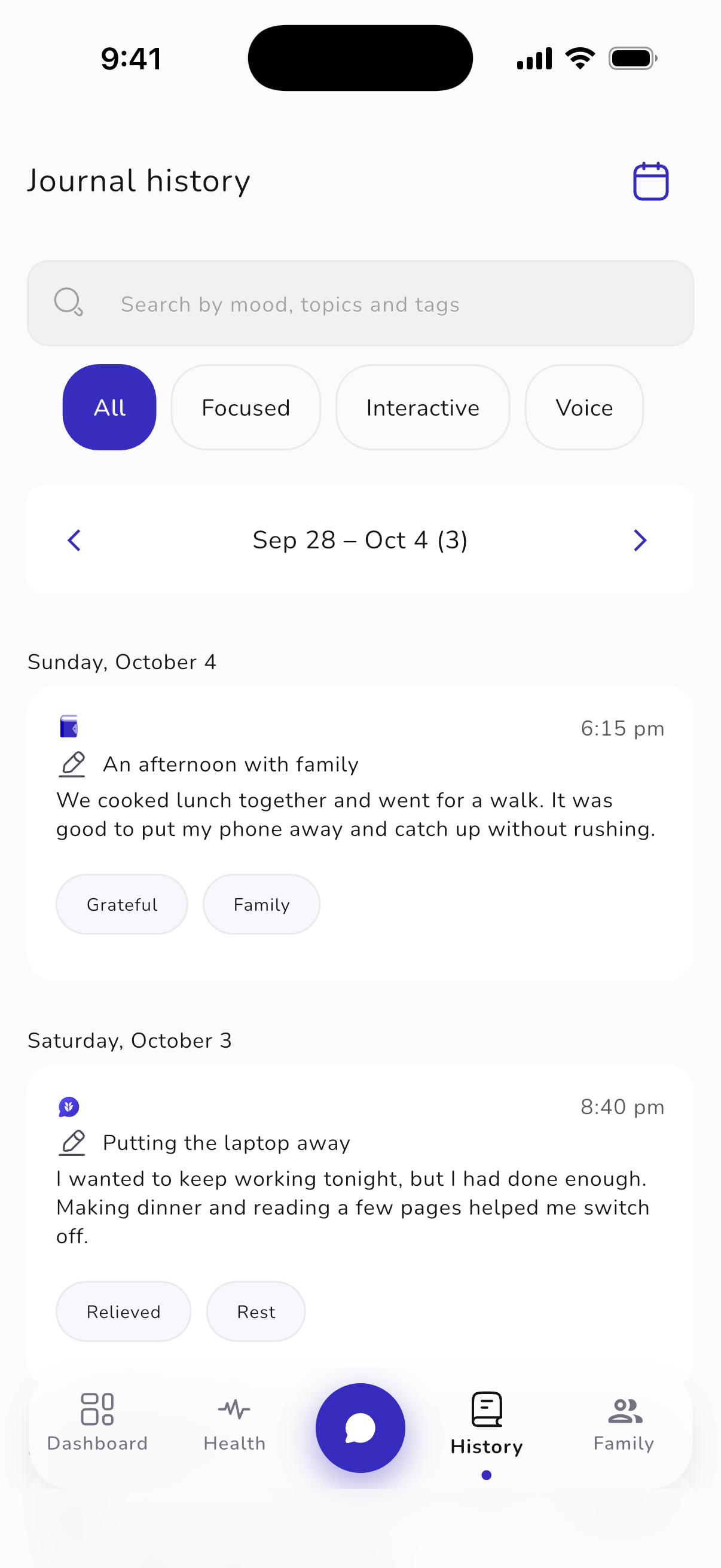
05 / Take a pause
A rhythm to follow. A moment for yourself.
Choose Box Breathing or another available pattern, then follow a visual or audio guide. Pick a pace and session that feel comfortable for you.
Breathing tools offer a way to pause in your day. They are optional, and you can stop whenever you need to. They are not a treatment or a substitute for professional care.
About breathing sessions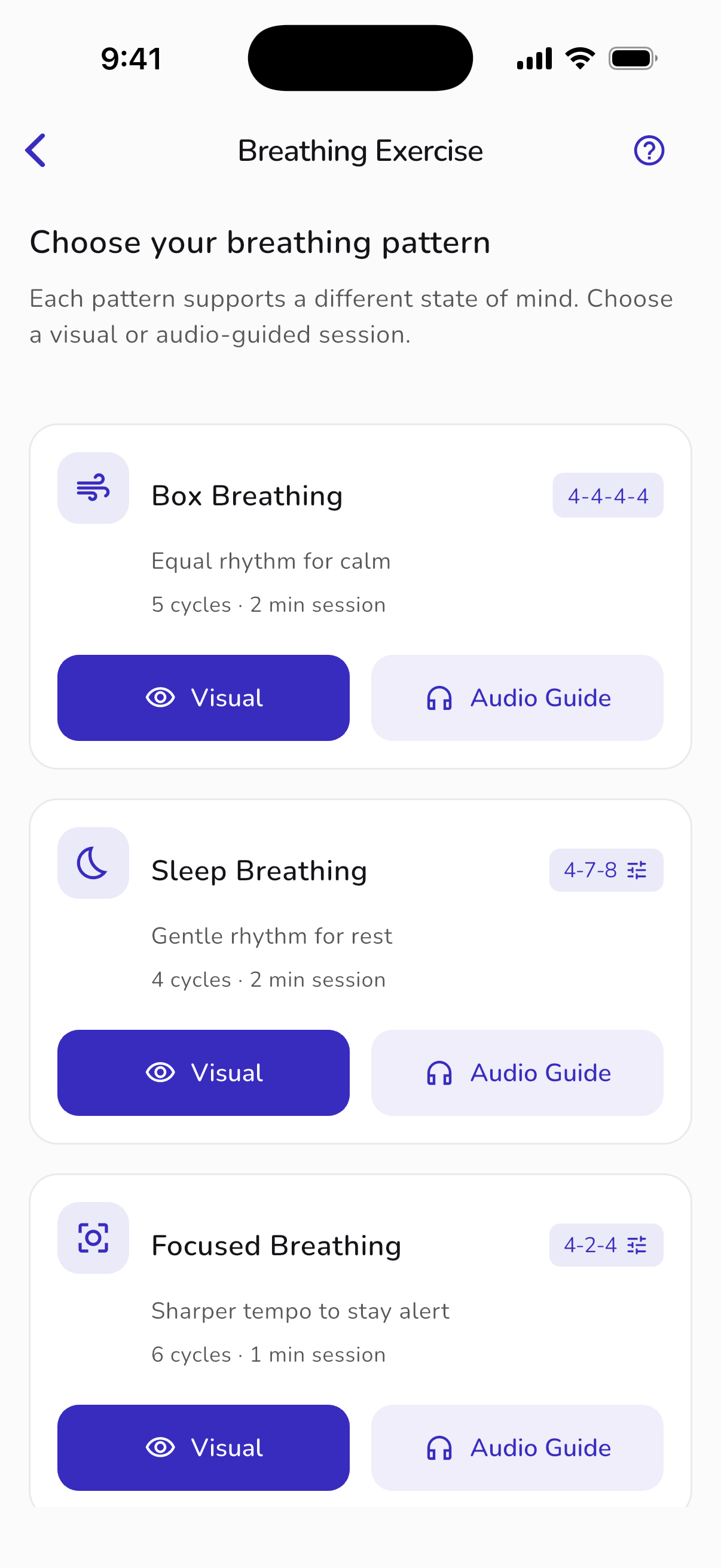
06 / Stay close, your way
Your people. Your own space.
Family brings separate accounts together under a shared plan. Invite your people without turning your journal into a shared one. Joining does not switch wellness sharing on.
Choose which wellness summaries to share with each person, and pause sharing when you want. Journals, conversations, Cycle data and location are never included. Paying for a plan does not grant access to another person’s private data.
Explore Family plans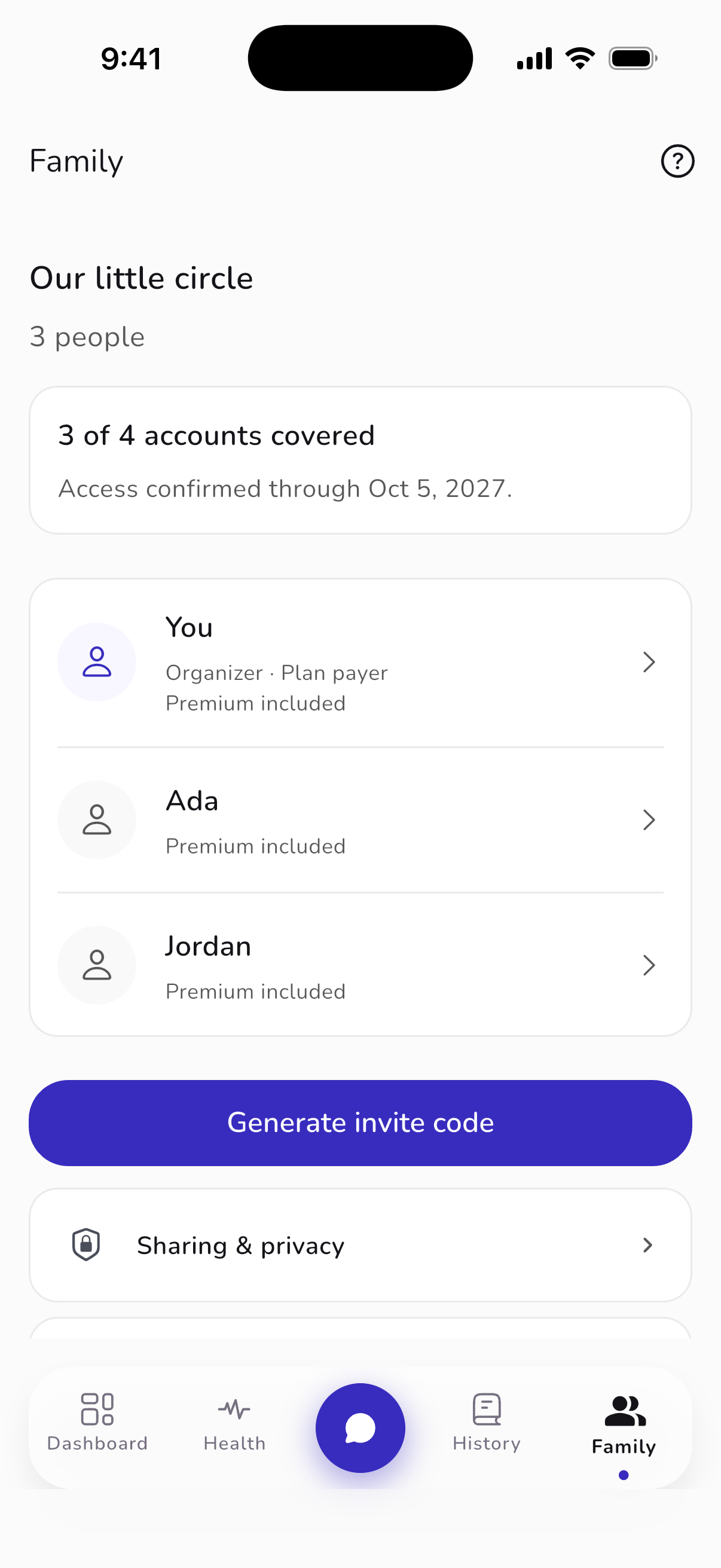
07 / A little calm, within reach
A pause on your wrist.
The Apple Watch companion brings supported breathing sessions and mood logging a little closer. Start a short session without reaching for your phone.
Requires a supported Apple Watch and iPhone. Check the App Store for compatibility. The Watch companion is for Apple devices.
Find Unfold for your device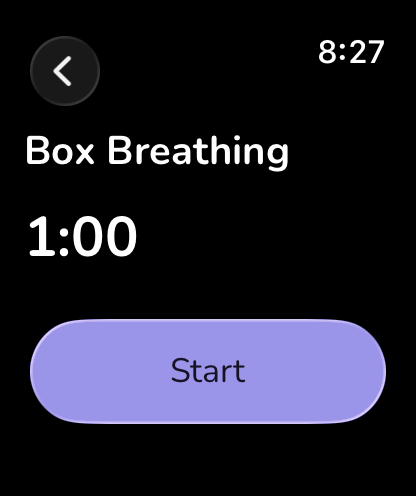
Your reflection, your choices
Context with consent.
Health connections and applicable AI features ask for your permission. You can review those choices and withdraw consent. Unfold’s privacy notice explains how journal and health information is handled.
Understand your data choicesUnfold is a general wellness tool, not a medical device or a substitute for professional care.
A moment for you
Your journal. Your pace.
Start with one thought.
Write, reflect, and return when you’re ready.