Reflection for your whole day

Make room
for yourself.

Write your thoughts, talk with Luma, and take a breathing pause. A journal and wellness companion, at your pace.

Available on iPhone and Android.
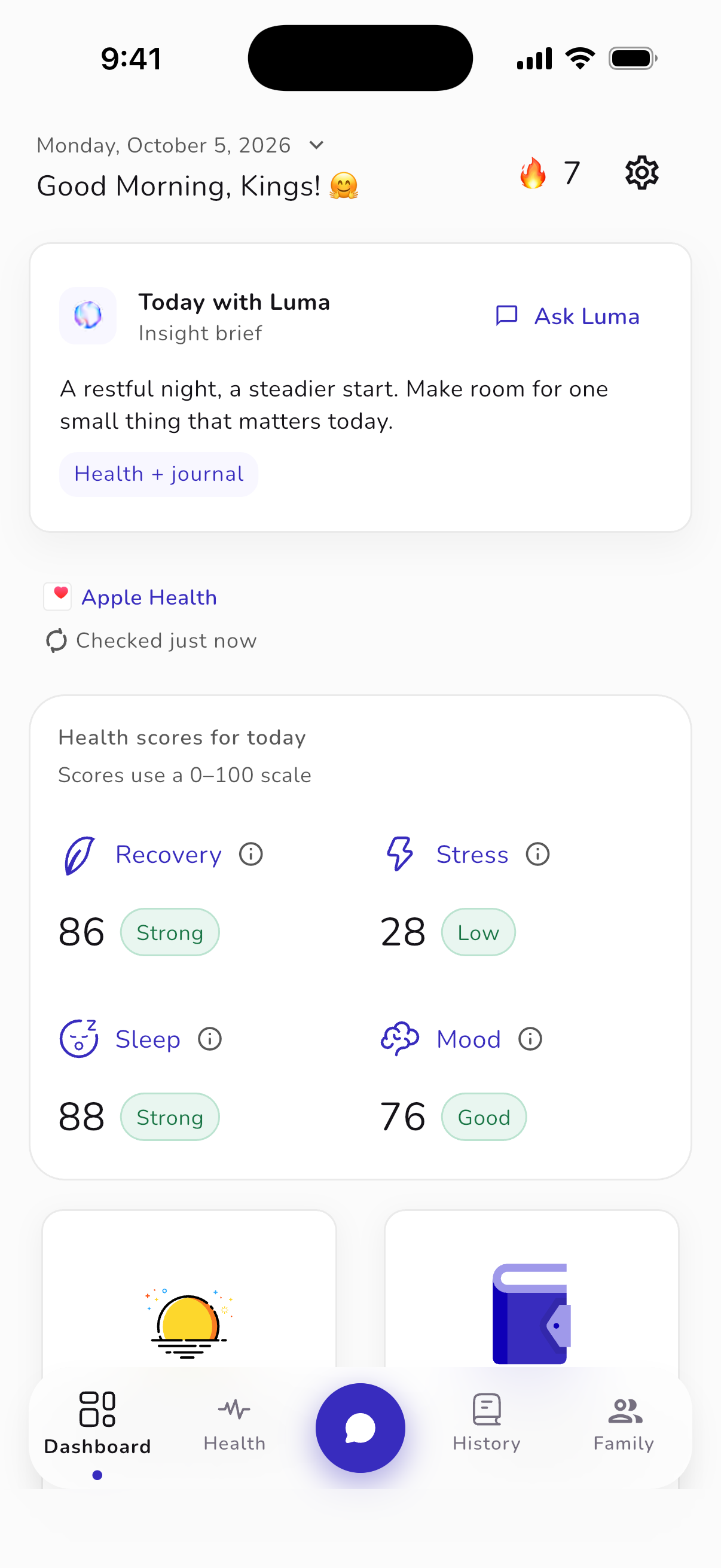
Unfold iPhone dashboard with a Luma insight brief and sample wellness summaries. Sample app screen.
App screens show sample content.

How Unfold works

Start where you are.

  1. Check in with yourself.

    Open Unfold and log how you’re feeling. Start with where you are today.

  2. Write it. Or talk it through.

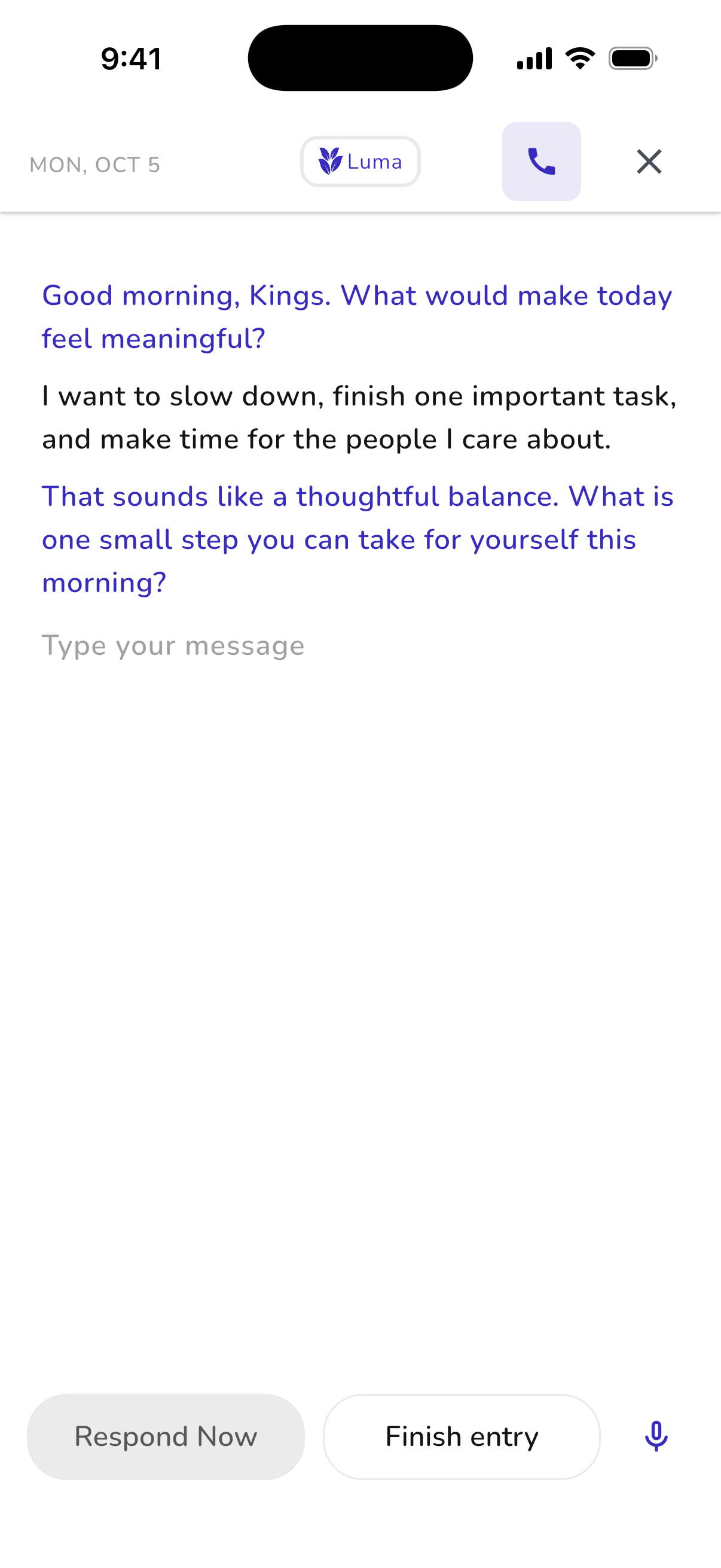
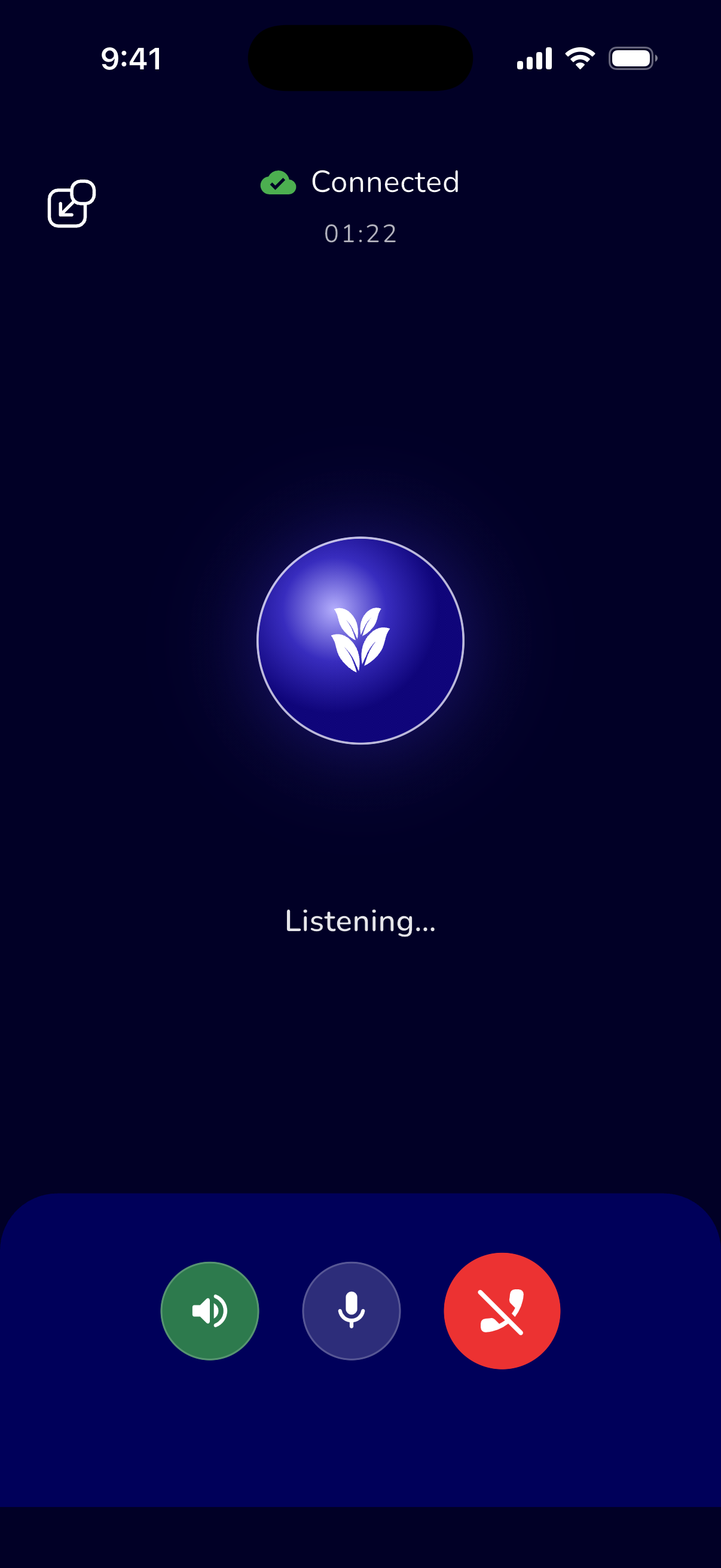
    Start a journal entry, or open a voice journal with Luma, your AI reflection companion.

  3. Return when you’re ready.

    Find past entries in your journal history. Revisit a thought or simply remember your day.

A pause, just for you

Make room for a pause.

Follow a visual or audio breathing guide. A few moments for yourself, wherever your day takes you.

Explore guided breathing
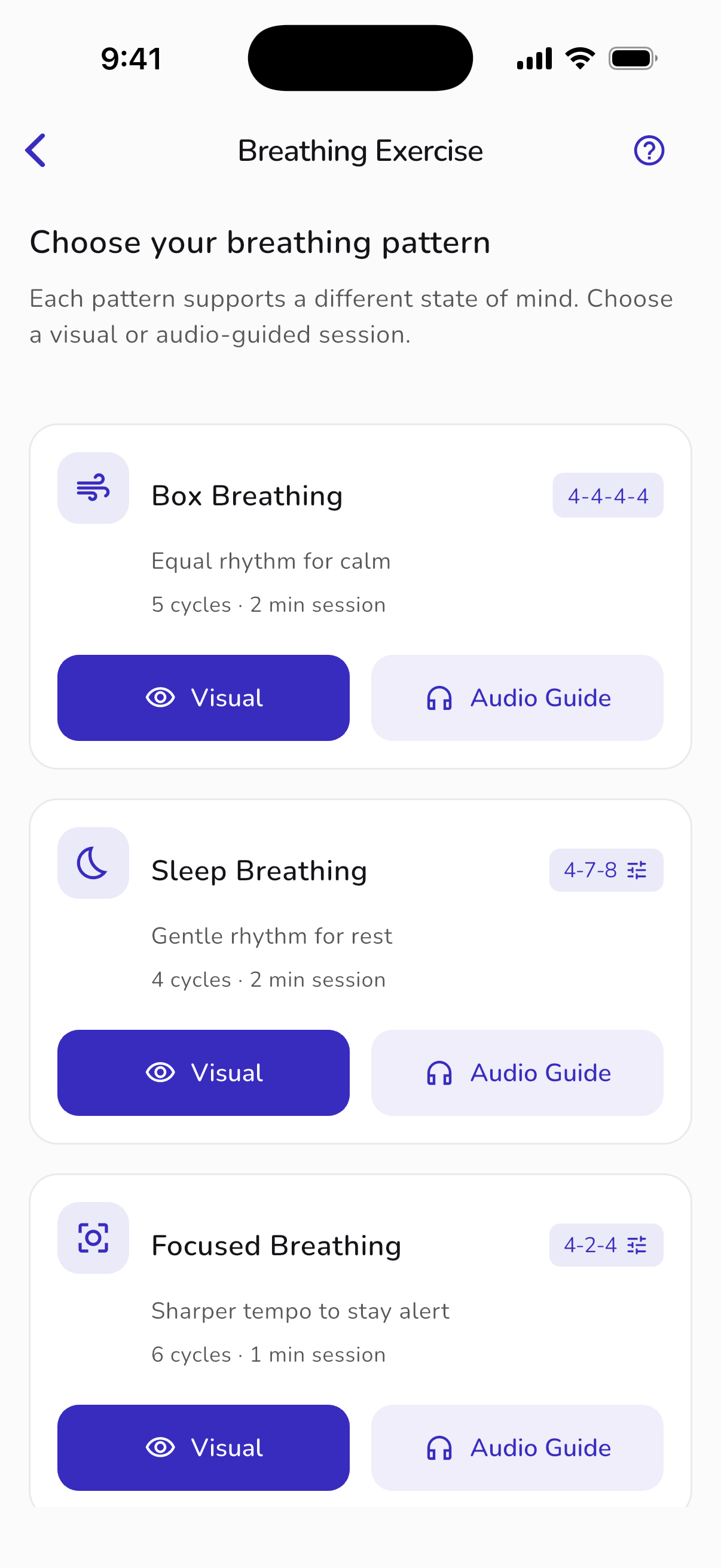
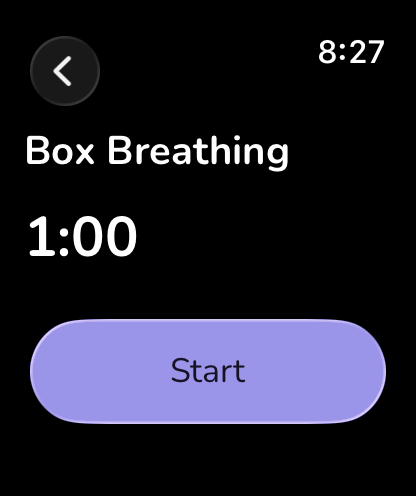
Unfold iPhone breathing patterns with visual and audio guide options. Sample app screen.
Unfold Apple Watch breathing companion showing a sample breathing guide.
Also on Apple Watch.

Your people. Your choice.

Your story belongs to you.

Bring your people together with Family. Separate accounts, private journals, and wellness sharing you choose to turn on or pause.

Family availability and plans are shown in the app.
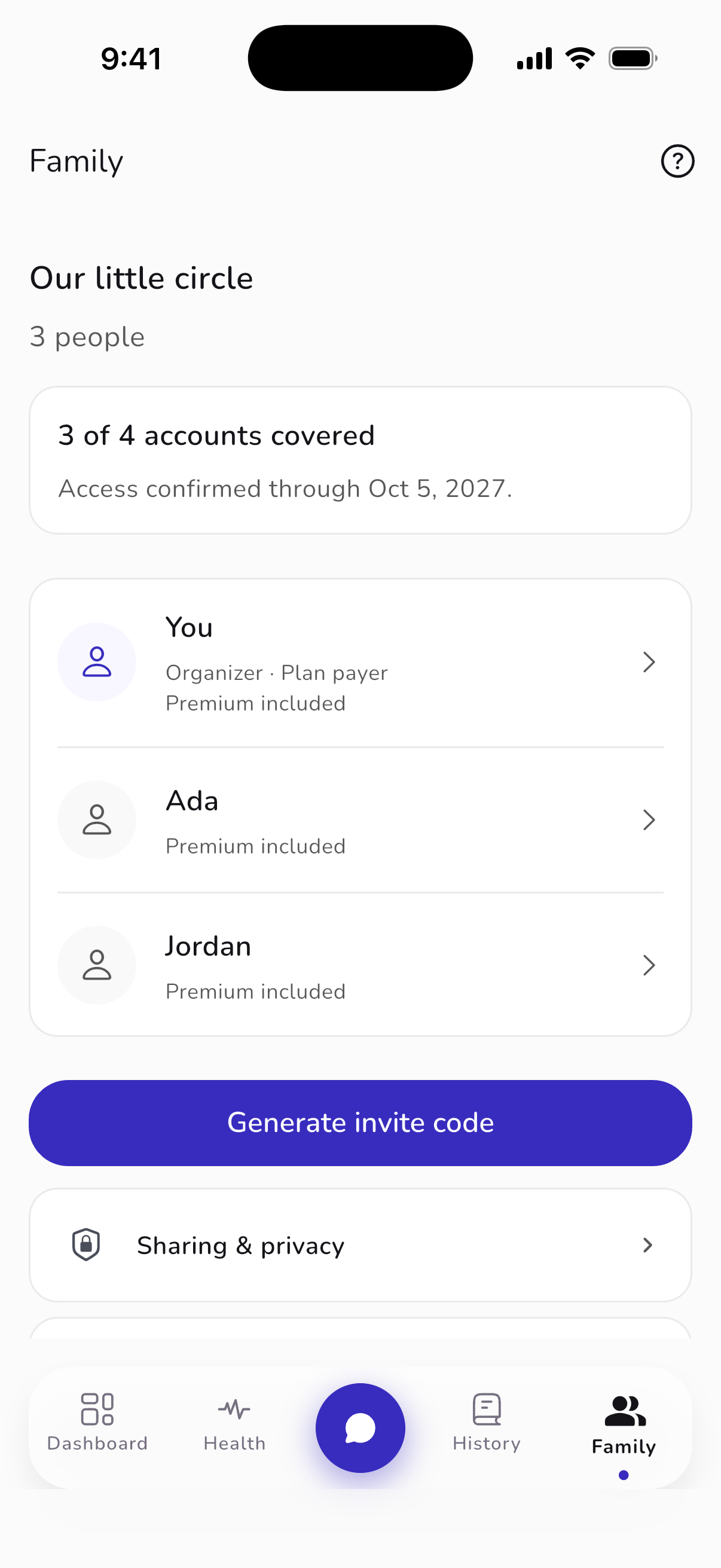
Unfold iPhone Family view with separate accounts, invitations and sharing settings. Sample app screen.

Before you begin

A few good questions.

All questions & answers
Is Unfold free?
Unfold is free to download, with optional subscriptions for premium features. Your app store and the in-app purchase screen show current plans, local prices, billing periods, and any available trial before you subscribe.
Do I need a wearable to use it?
No. You can journal and check in with your mood without one. Apple Health on iPhone or Health Connect on supported Android devices can add optional sleep and activity context.
How does Unfold handle my personal data?
Journal content and health information are not sold or used for advertising. Applicable AI features ask for your permission, which you can withdraw. Read our privacy notice for the full details and your choices.
Can Family members read my journal?
No. Each person has a separate account. Joining or paying for Family does not turn sharing on. You choose which wellness summaries to share and can pause sharing. Journals and conversations are never included.
Can I journal by speaking?
Unfold supports written and voice journaling. Check your microphone permission if voice input is unavailable, and review your app version and device settings.
Do I have to journal every day?
No. Your journal can fit the time and energy you have. You can return after a break without catching up on every day you missed.Find your own rhythm
What does Luma do?
Luma offers AI-guided questions and reflections. You decide what feels useful and what does not. AI can misunderstand context, so treat its responses as a starting point for your own reflection.Read about reflecting with AI
How do I cancel a subscription?
Manage your subscription through the Apple or Google account used for the purchase. Deleting the app does not cancel a subscription. Our plans page links to both stores’ instructions.Manage a subscription

Start with one thought.

Write, reflect, and return when you’re ready.

Get Unfold Available on iOS and Android